 FARM
FARMPhysical touch
The probe taps and swipes the phone itself.
Robot Hand automates taps and swipes on the physical phone. No emulator and no software-generated input.
Robot Hand controls a phone by touching the screen directly. You can use the same device, apps, and workflows you already have—without an emulator or a custom device build.
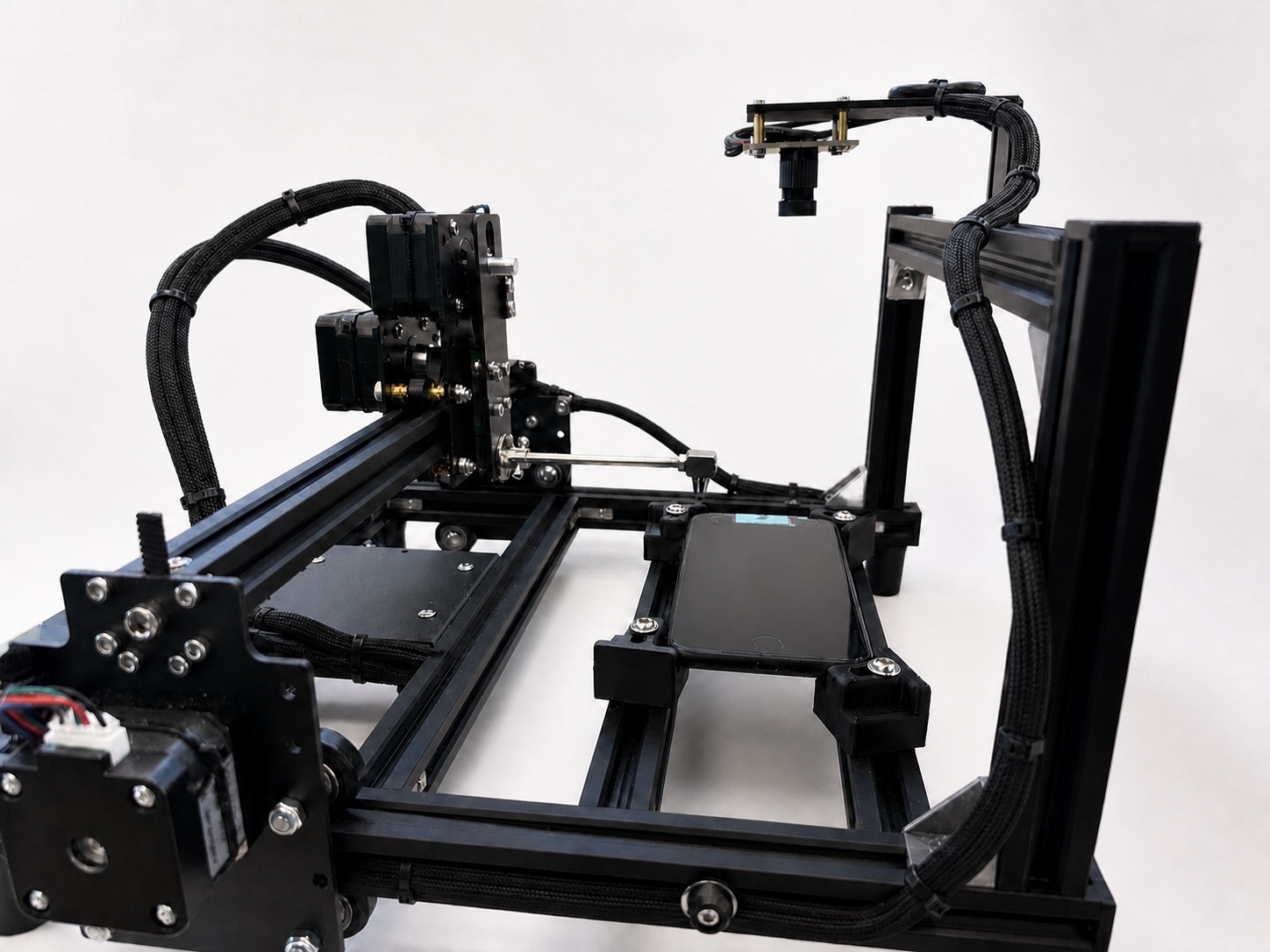
Both clips show Robot Hand operating a physical phone. The second uses cleaner lighting; the hardware and movement are unchanged.
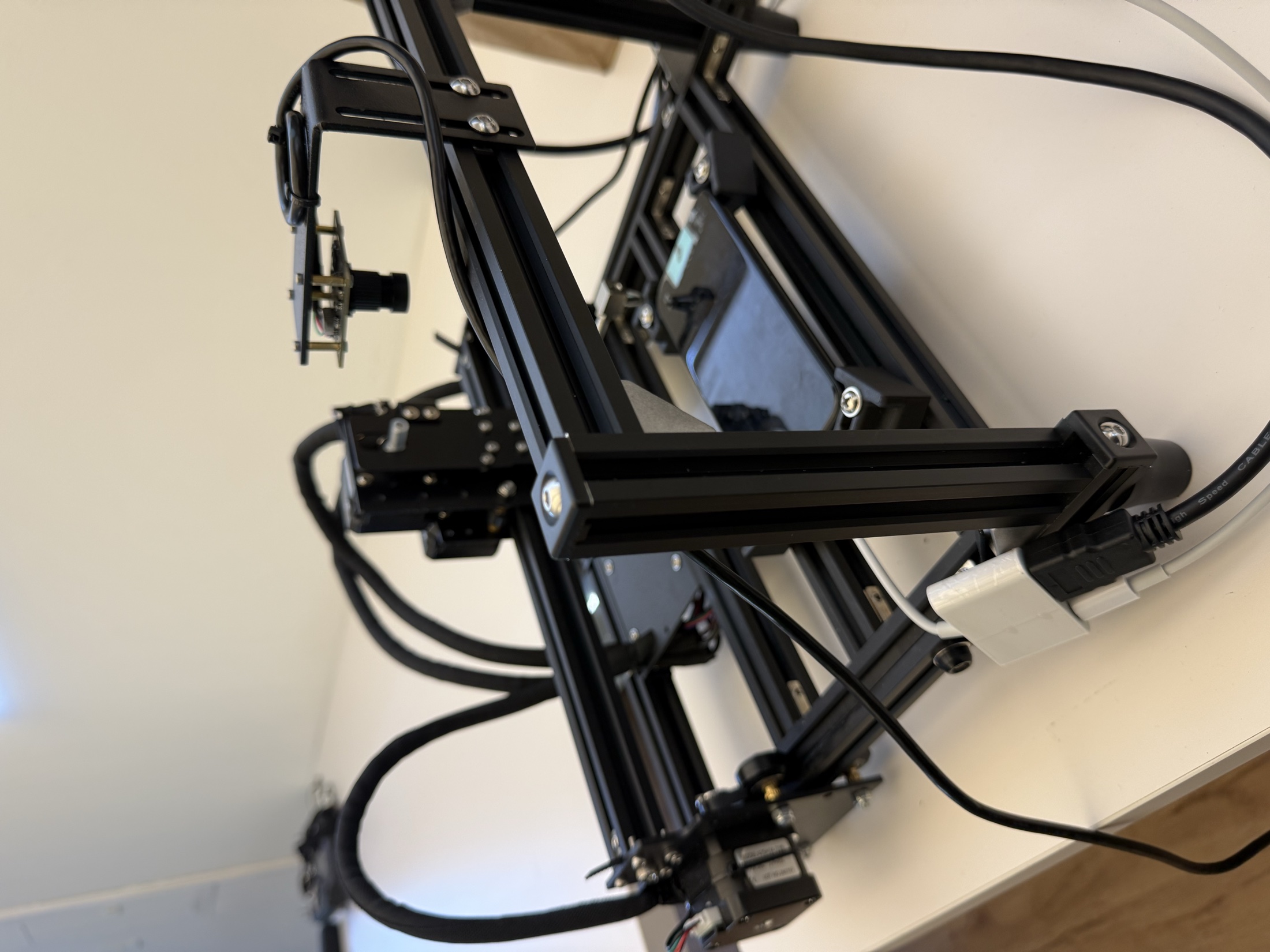
Put a supported phone in the tray. The camera watches the screen while the probe handles taps and swipes directly on the device.
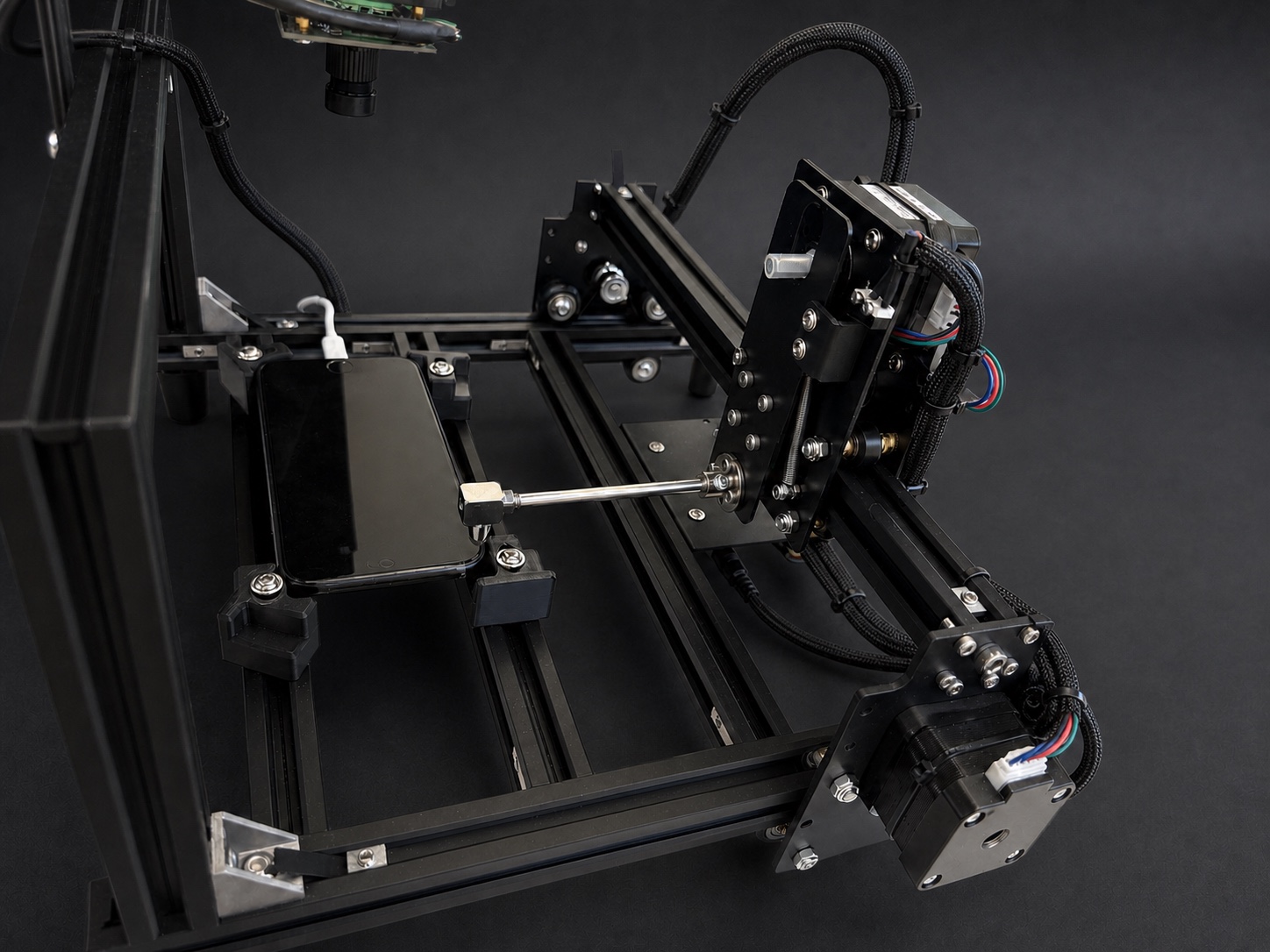
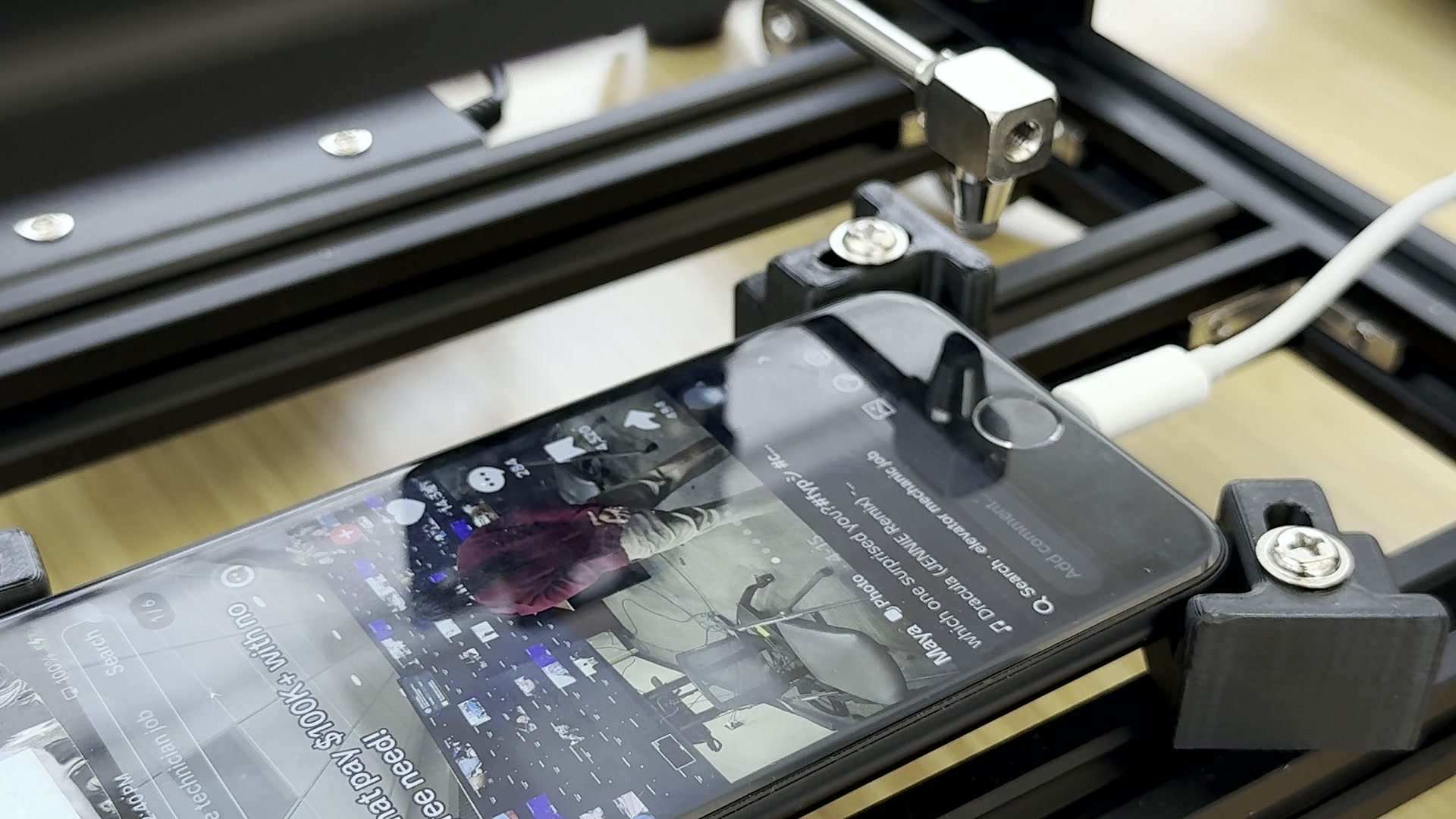
The probe taps and swipes the phone itself.
An overhead camera keeps the screen in view.
The carriage returns to the same position each run.
Place a supported phone in the tray and run the workflow on the device itself. We confirm your phone model and workflow before the preorder is finalized.
Rent Robot Hand month to month, or buy the hardware outright.
Rent one complete Robot Hand system.
Own one complete Robot Hand system.
It uses an overhead camera to see the screen and a capacitive probe to tap and swipe the physical phone.
No. The probe touches the phone's physical touchscreen.
Tell us which phone and workflow you plan to use. We'll confirm the fit before finalizing your preorder.
Rent Robot Hand for $199 per month, or purchase it outright for $499. Both options include the hardware, camera, and capacitive touch probe.